
Made for your remote.
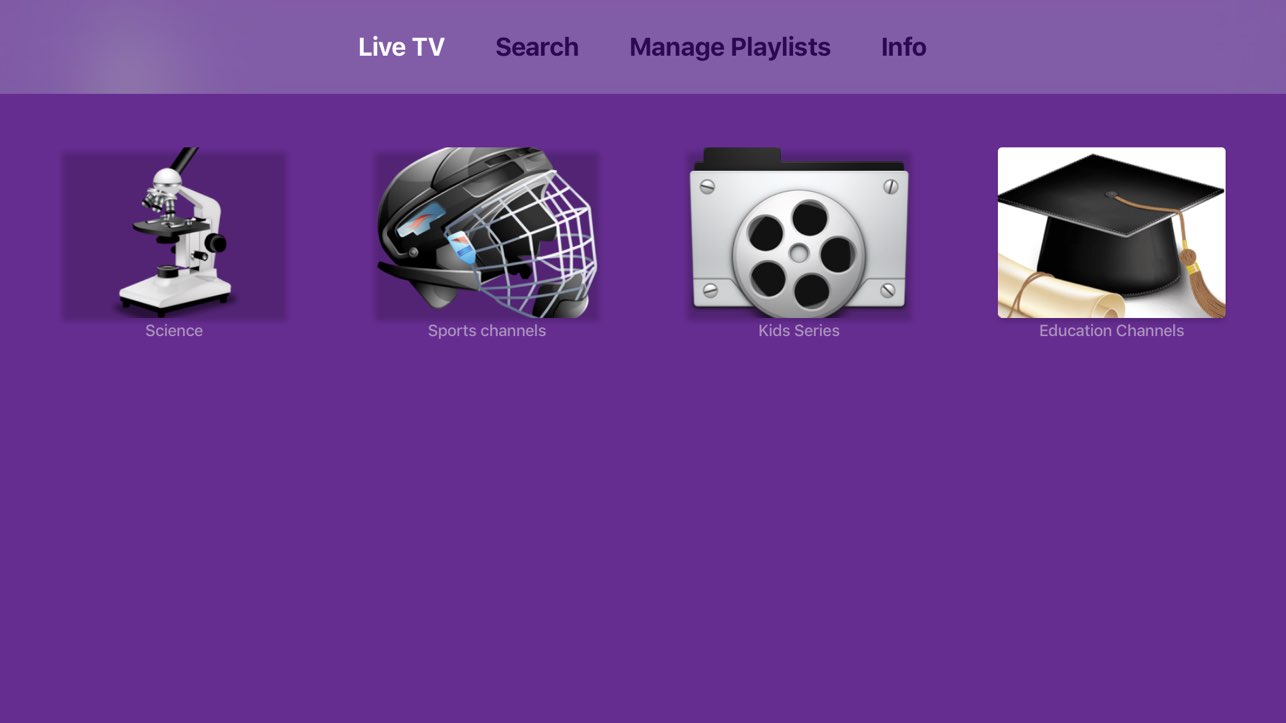
Move through channels and categories with an interface designed for Apple TV. Find what you want from the comfort of your sofa.
REMOTE-FRIENDLY NAVIGATION
SageIPTV for tvOS
Make your Apple TV a home for your live channels, movies and series. Add your own playlist and enjoy an experience made for the remote.
Available on the Apple TV App Store · tvOS 17 or later · Publisher: EL Hassan Matar
Built for the living room
The playlists you bring, with the space and simplicity of Apple TV.
Move through channels and categories with an interface designed for Apple TV. Find what you want from the comfort of your sofa.
REMOTE-FRIENDLY NAVIGATION
Connect your M3U playlist or Xtream Codes portal. Manage your saved playlists and switch between them when you need to.
M3U · XTREAM CODES
Browse live channels with electronic program guide support, save favorites, and explore movies and series in their own sections.
LIVE TV · MOVIES · SERIES
From download to downtime
Open SageIPTV for tvOS on the App Store, or find it directly on your Apple TV.
Enter your M3U playlist link or Xtream Codes portal details from your content source.
Browse live TV, find a movie or pick up a series. Keep your favorites close for next time.
The sofa is ready
Your content. A player that feels at home.
SageIPTV is a media player and does not include channels or content. Need help? Contact support.
Useful answers
No. SageIPTV is a player and playlist editor. You supply your own playlist or portal account and any content subscription it requires. A purchase in SageIPTV does not include a provider’s channels or movies.
The iPhone and iPad app requires iOS 15 or iPadOS 15 or later. The Apple TV app requires tvOS 17 or later. These are separate apps with different interfaces; check each App Store listing for current compatibility and purchase details.
Check the purchase and subscription terms in each app’s App Store listing before buying. Do not assume that an iPhone/iPad purchase unlocks the separate Apple TV app. Contact support if you need help identifying a purchase.